Copyright © 2012 Deborah M. Zajac. All Rights Reserved.
“To fling my arms wide
In the face of the sun,
Dance! Whirl! Whirl!
Till the quick day is done.”
~ Langston Hughes-Dream Variations 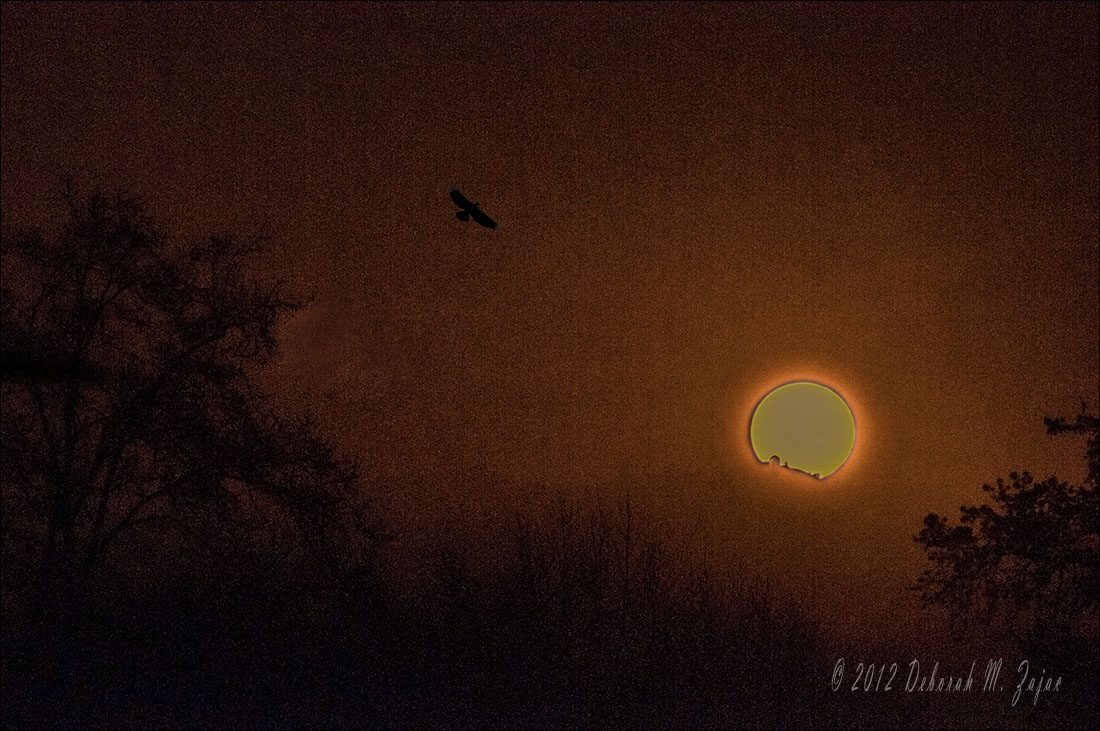 Last week on the 21st of March several friends and I rose before dawn to meet to photograph the Crescent Moon rising over Mt. Hamilton, and James Lick Observatory in San Jose, CA.
We also knew that shortly after the Moon rose the sun would also rise over
Mt. Hamilton, and the observatory, but we needed to change our location
to get the angle right. Arriving at our chosen place; a wide open field that once was a neighborhood, long torn down;
the only reminders were the scars of streets, foundations, and the trees, shrubs, and grass which dripped with morning dew.
We walked carefully through it avoiding the holes that housed the Gophers who reside there now until we found just the angle that faced the Rising Sun.
We set up our tripods, camera gear, and we donned special armor this day; a filter to protect and shield our sensors, and eyes.
Then we waited and watched the brightening sky for the first little glimmer of the golden halo that announces the rising morning star!
Blended double processed frame + 1
Nikon D700 & D300s| Nikkor 80-200mm + Tamron 1.4x Extender
How I made it
When I took the photograph I used a Solar filter which protected my camera’s sensor, and my eyes.
This is what it looks like RAW from my camera. I really like all the foliage in silhouette, but I knew in order to recover the color
of the sun I would lose all that detail.
I wanted a finished photograph that included the silhouetted foliage, and color in the sun.
To do that I would have to blend or combine at least 2 frames. 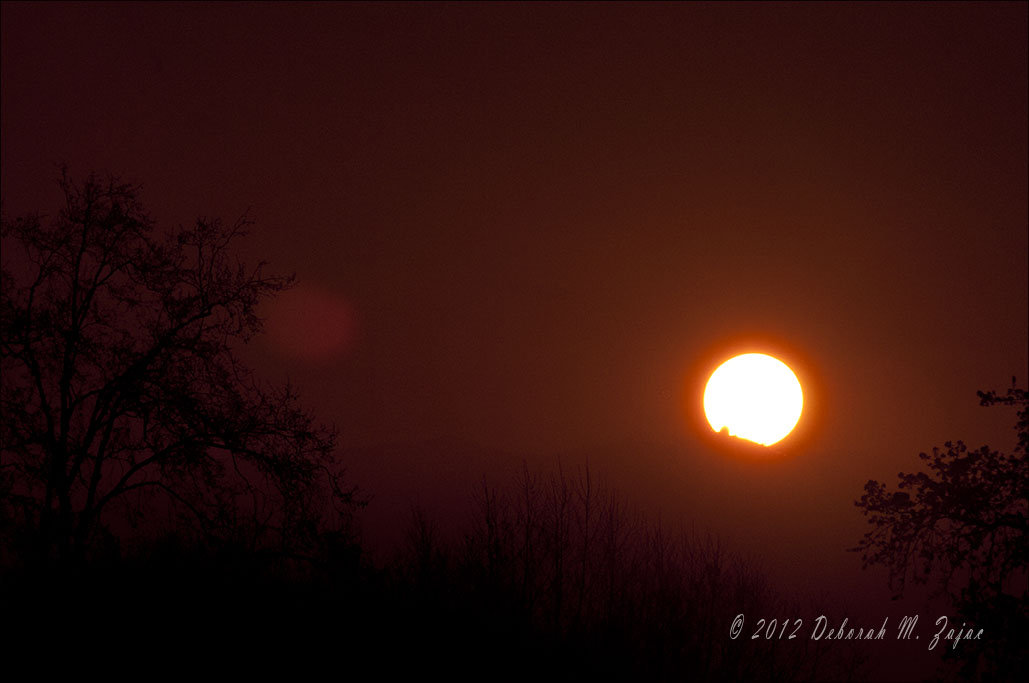 I made a copy of the negative above then uploaded that into my photo editing software Lightroom 4.
Then I removed all the color and silhouetted foliage in order to recover the sun’s color.
Once that was done I had this frame. 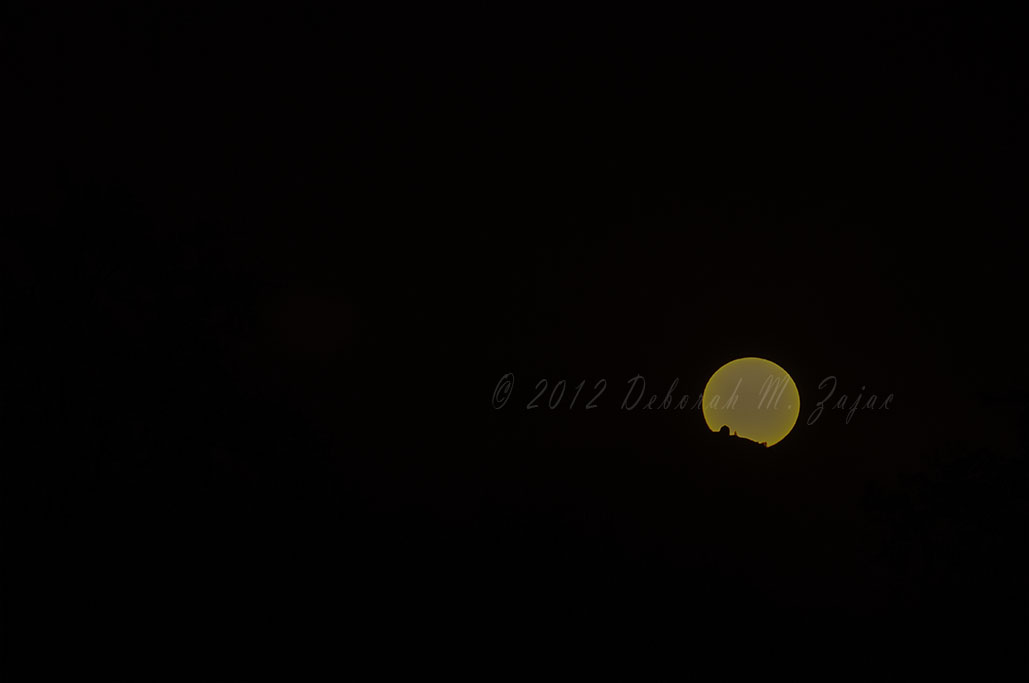 I made another copy of my original negative then uploaded both it,
and the edited negative above into Photoshop CS5 where using layer masks I blended the two frames together.
It was pretty, but I thought it lacked something to make the composition balanced, and a bit more interesting so I added a Golden Eagle.
A photo I had taken back in January of this year. 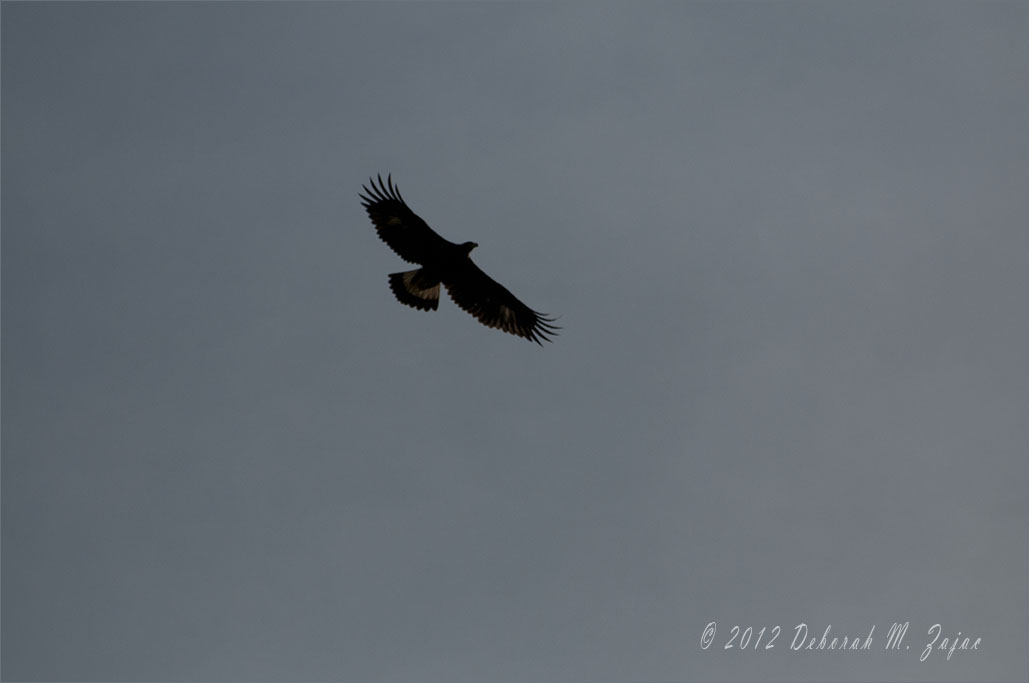 I cloned out the sun flare spot, and added my copyright signature et Voila! Fini!
My companions that morning have published their photos from the morning which
you can see by following the links here, here, here,and here,

 Circadianreflections Blog
You must be logged in to post a comment.